Low-poly FPS / Free to play
Maps you already know.
A game by Evan Curole
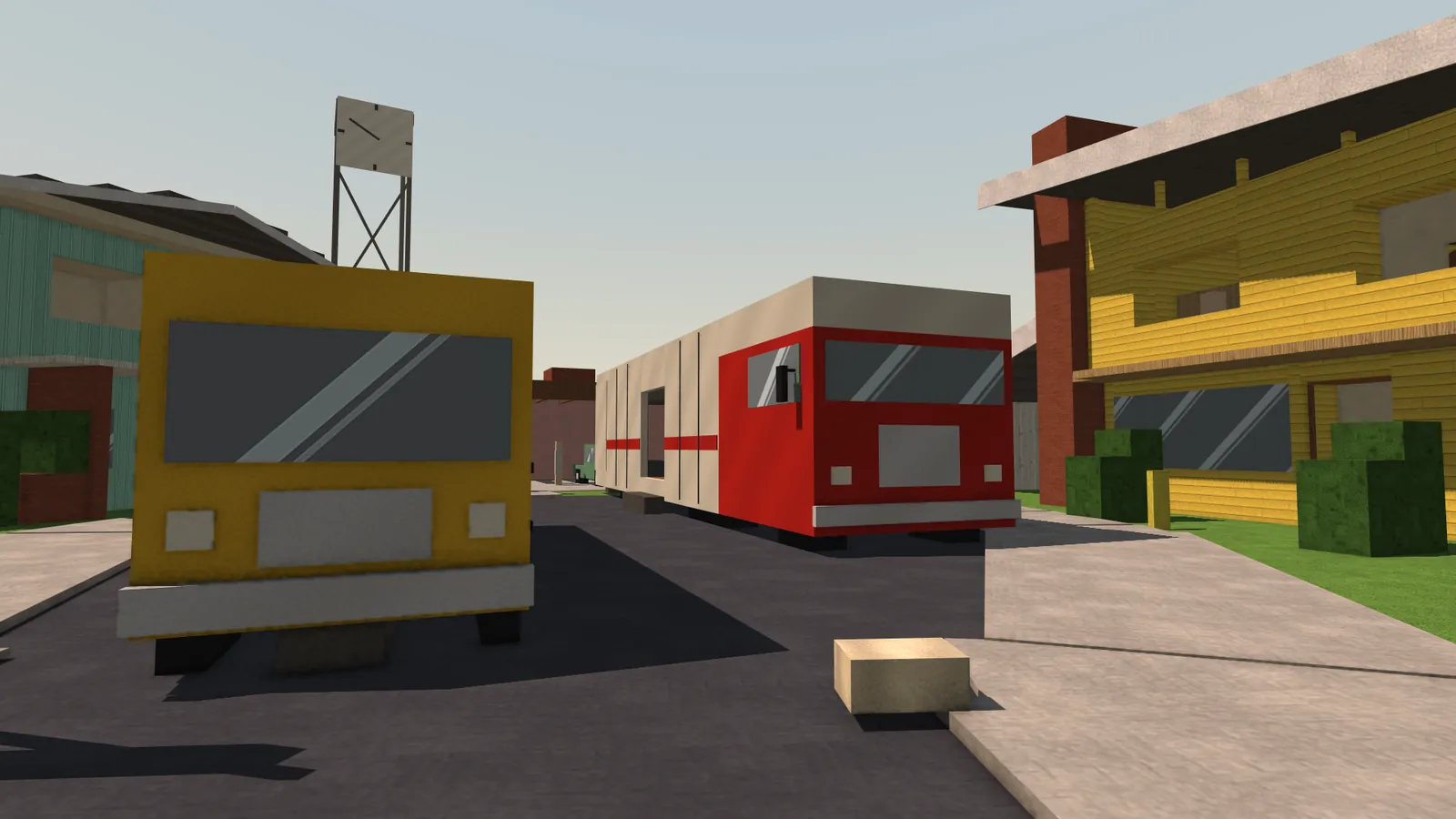
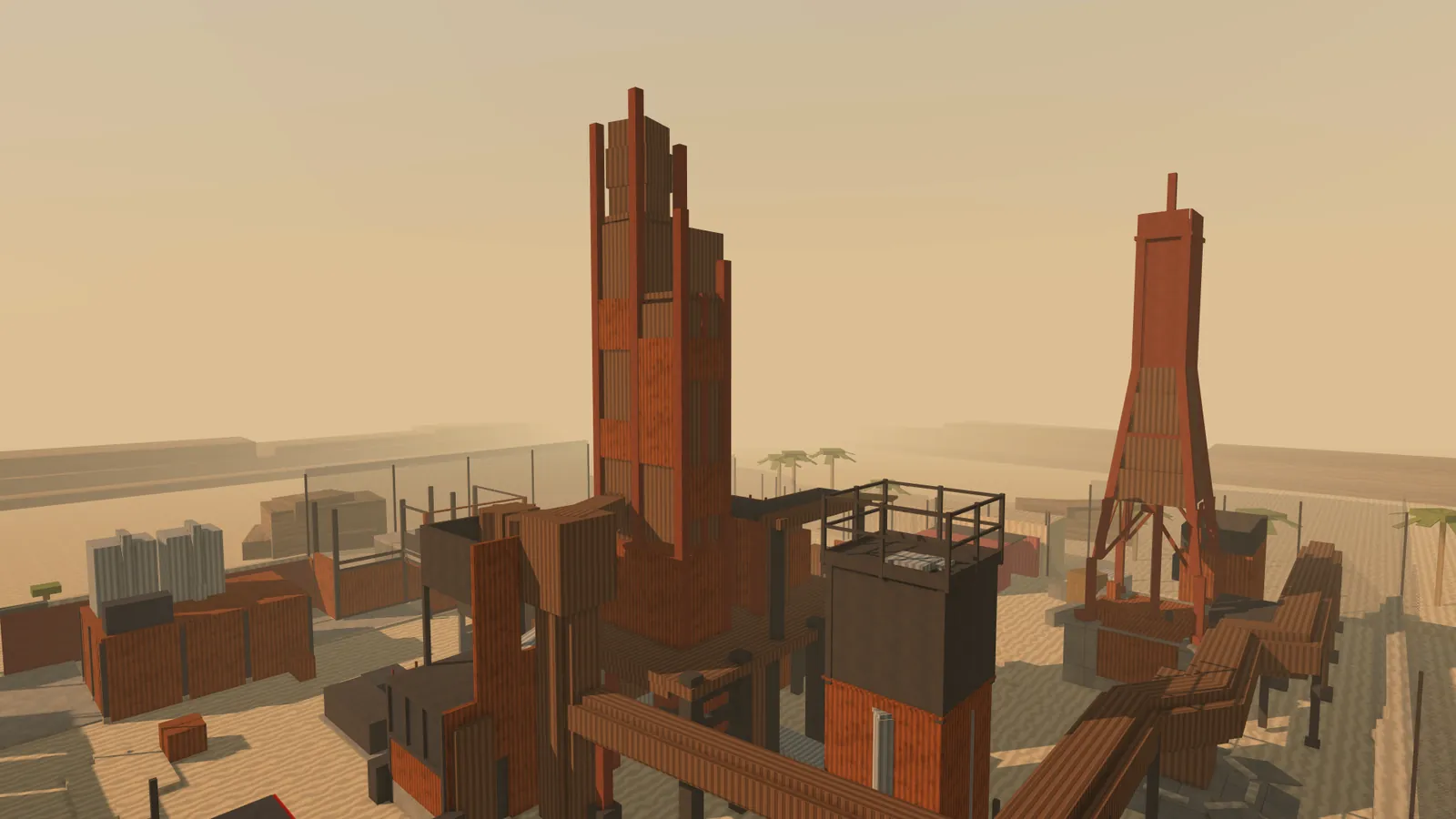
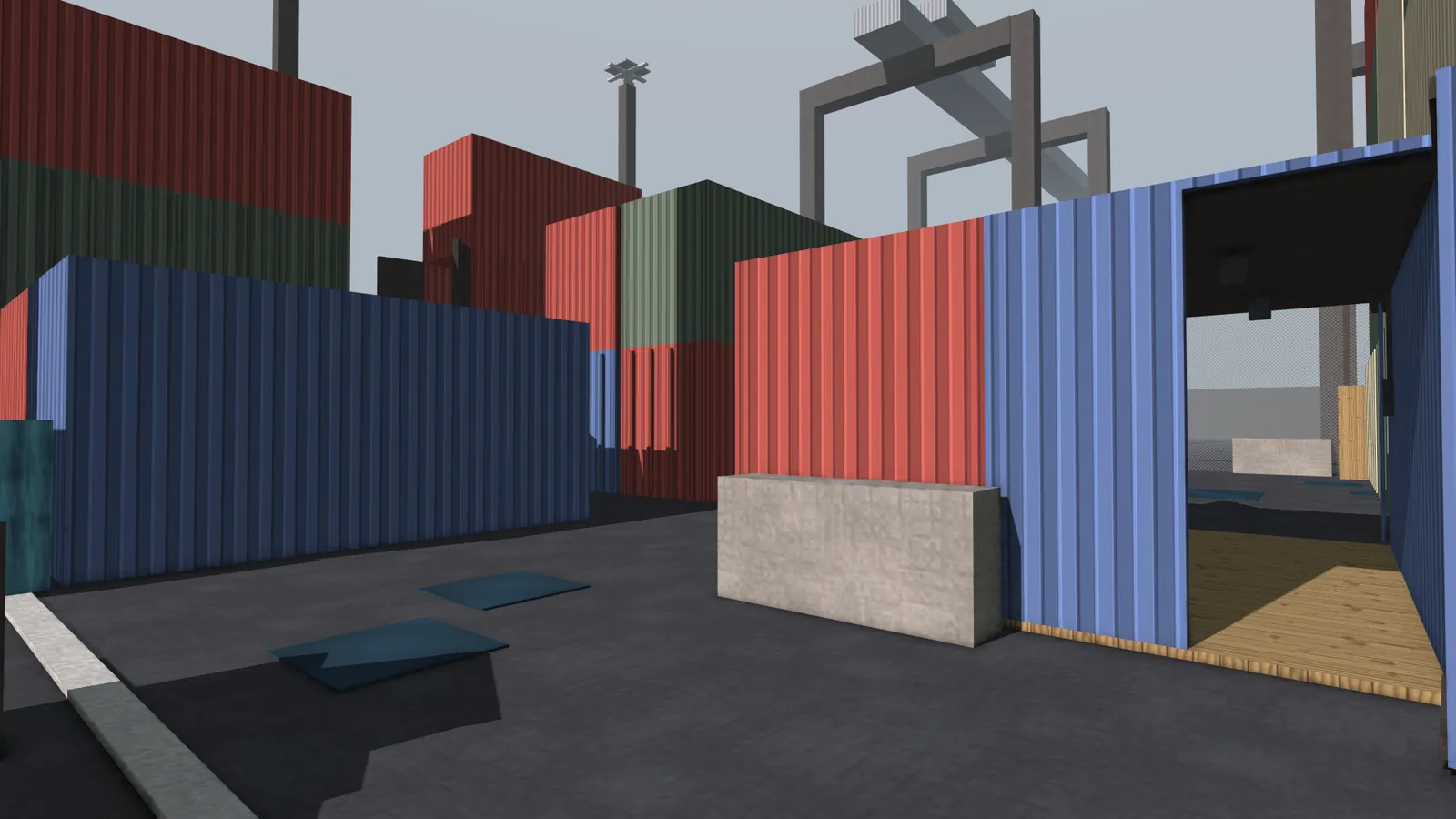
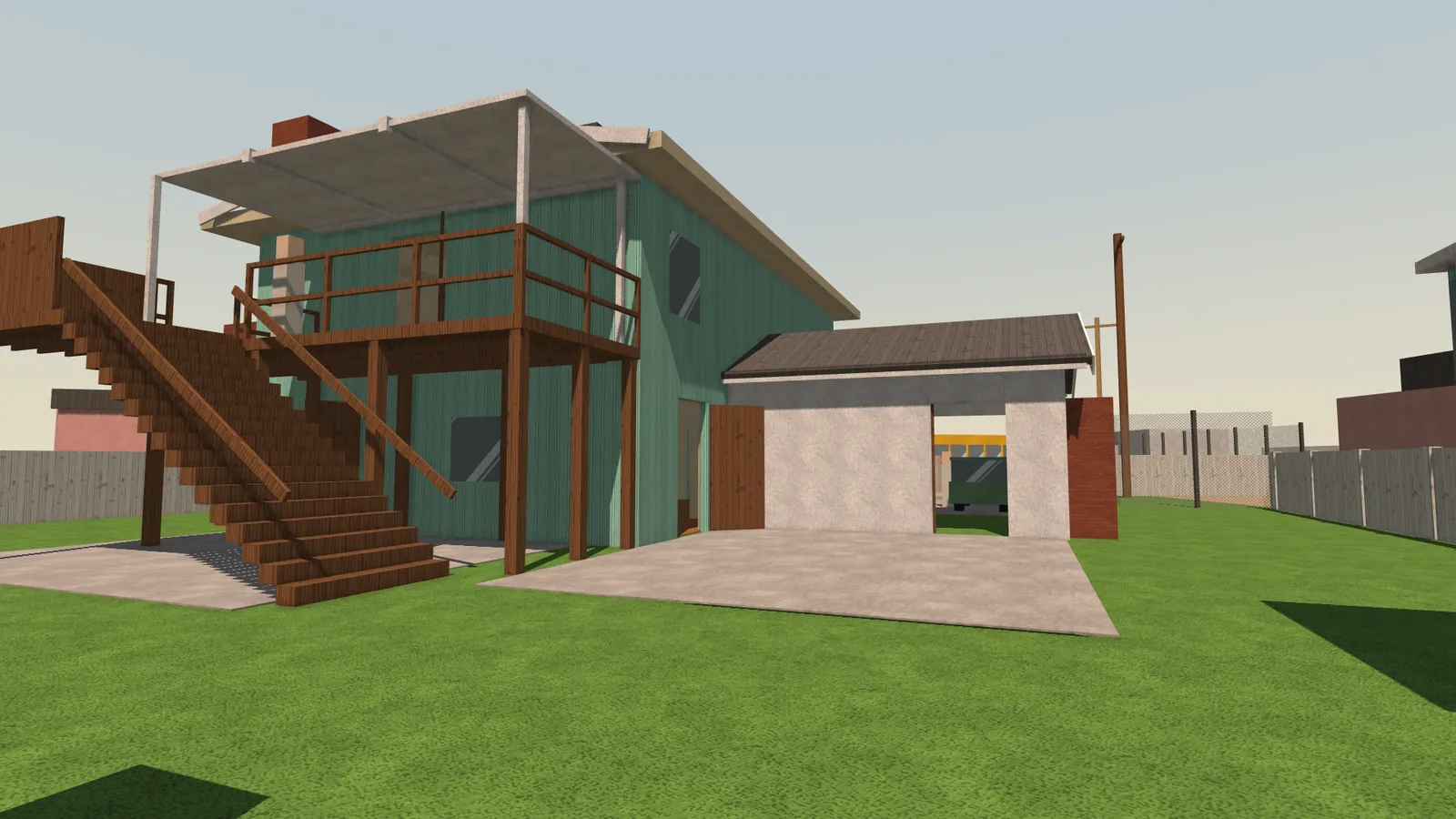
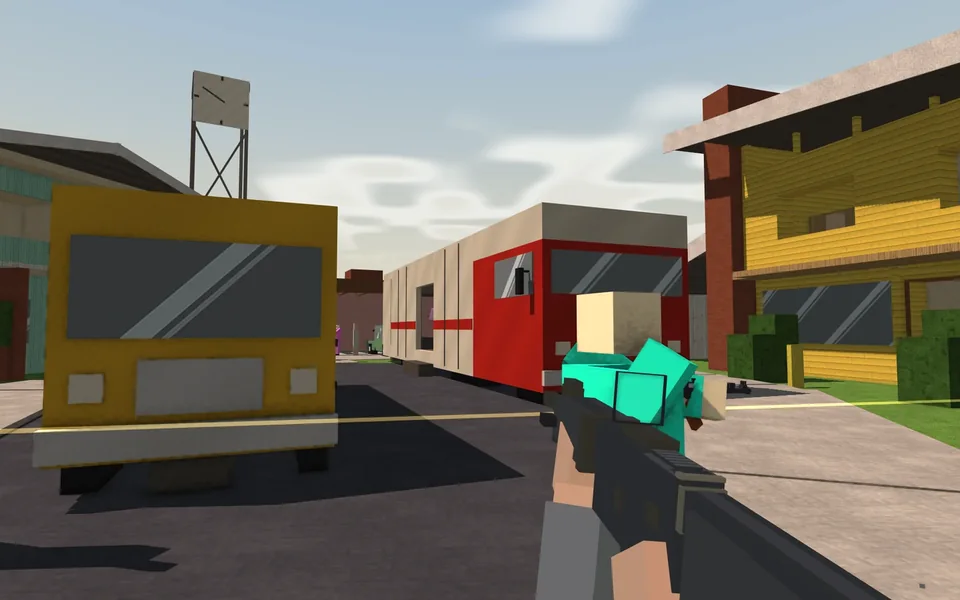
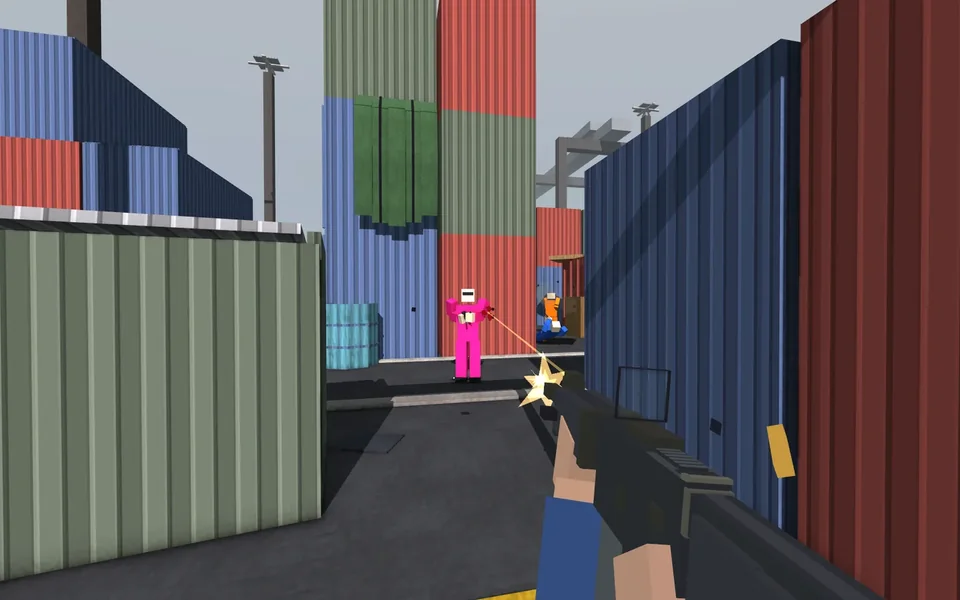
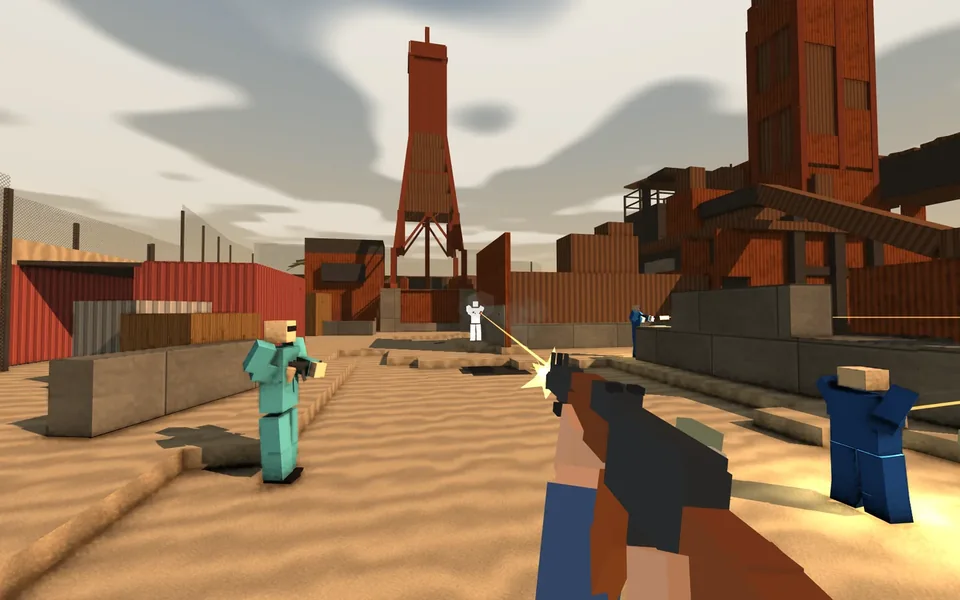
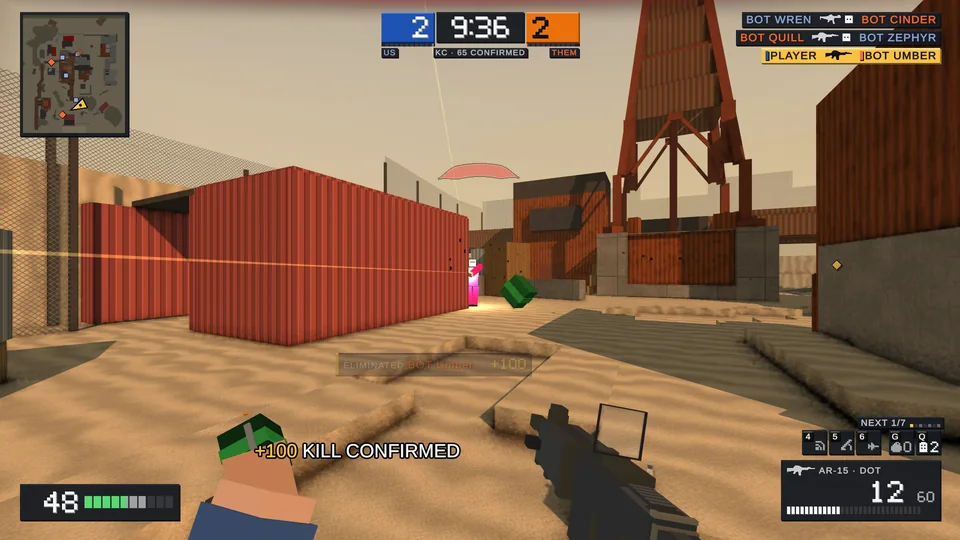
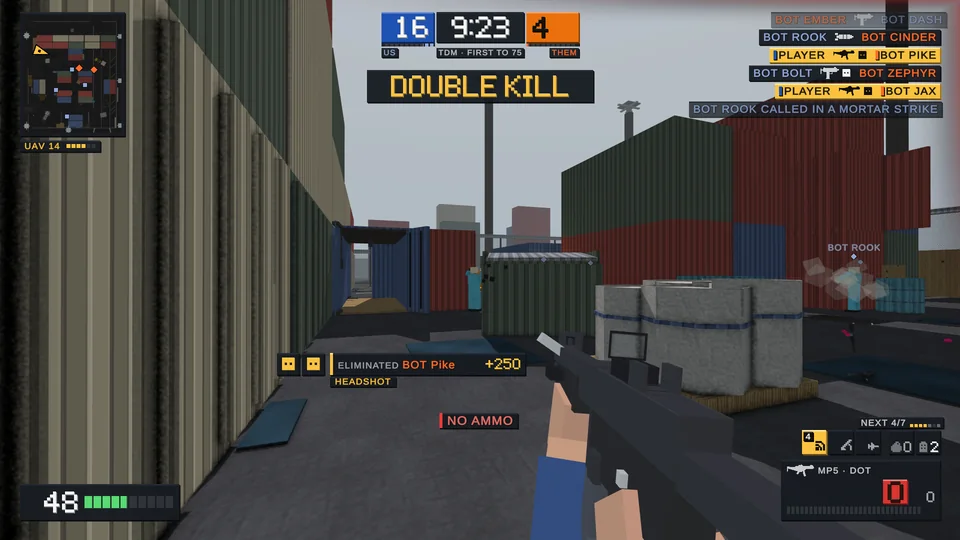
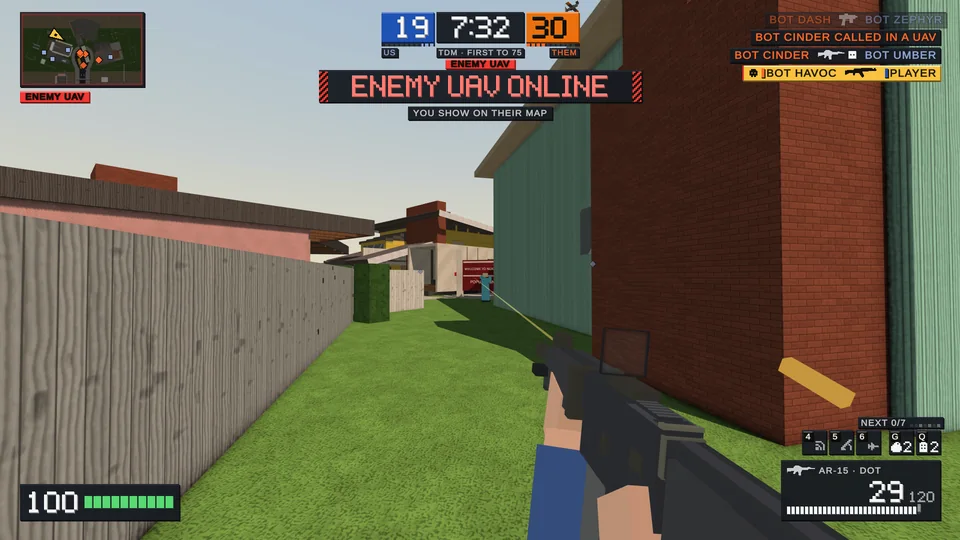
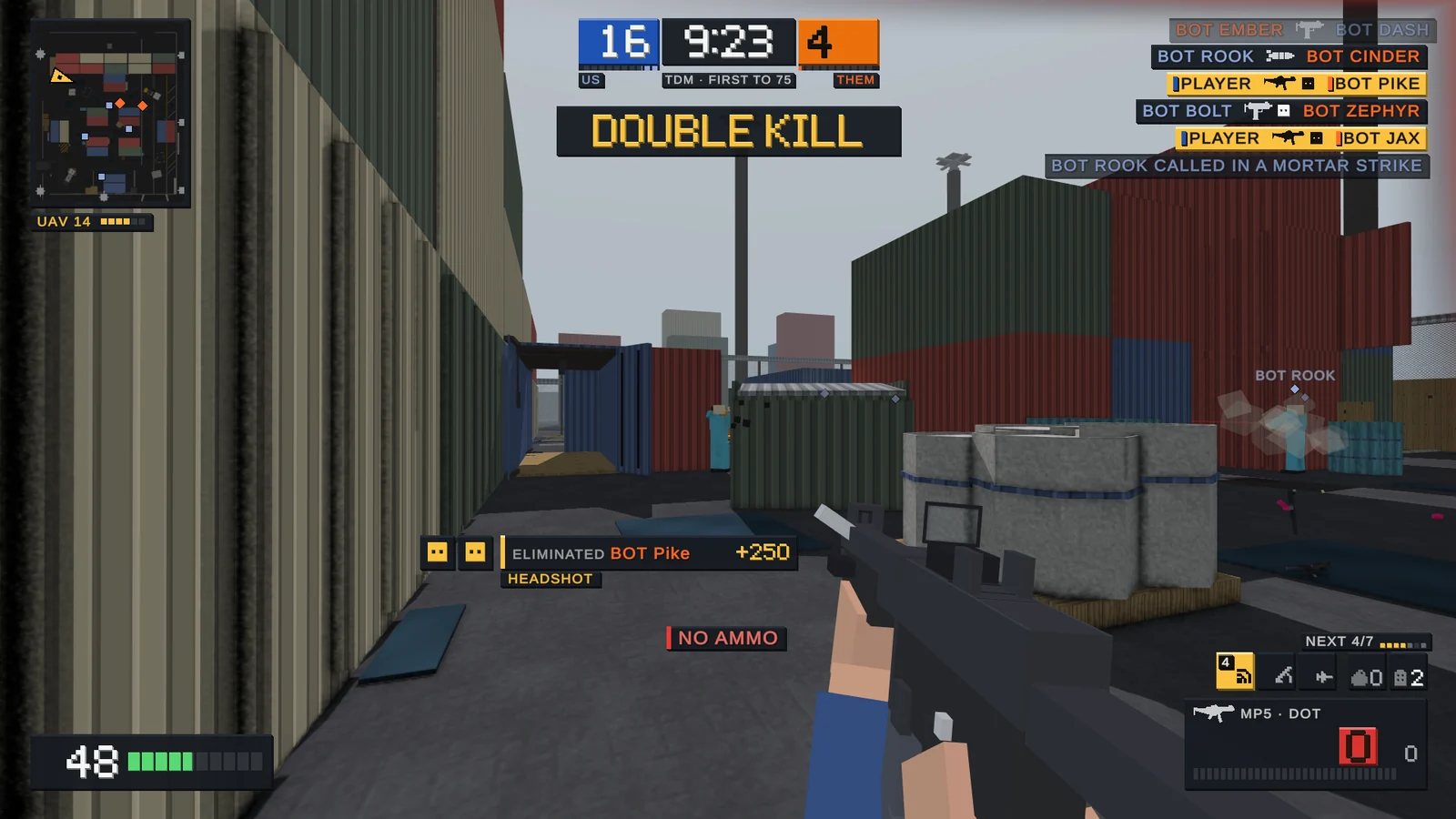
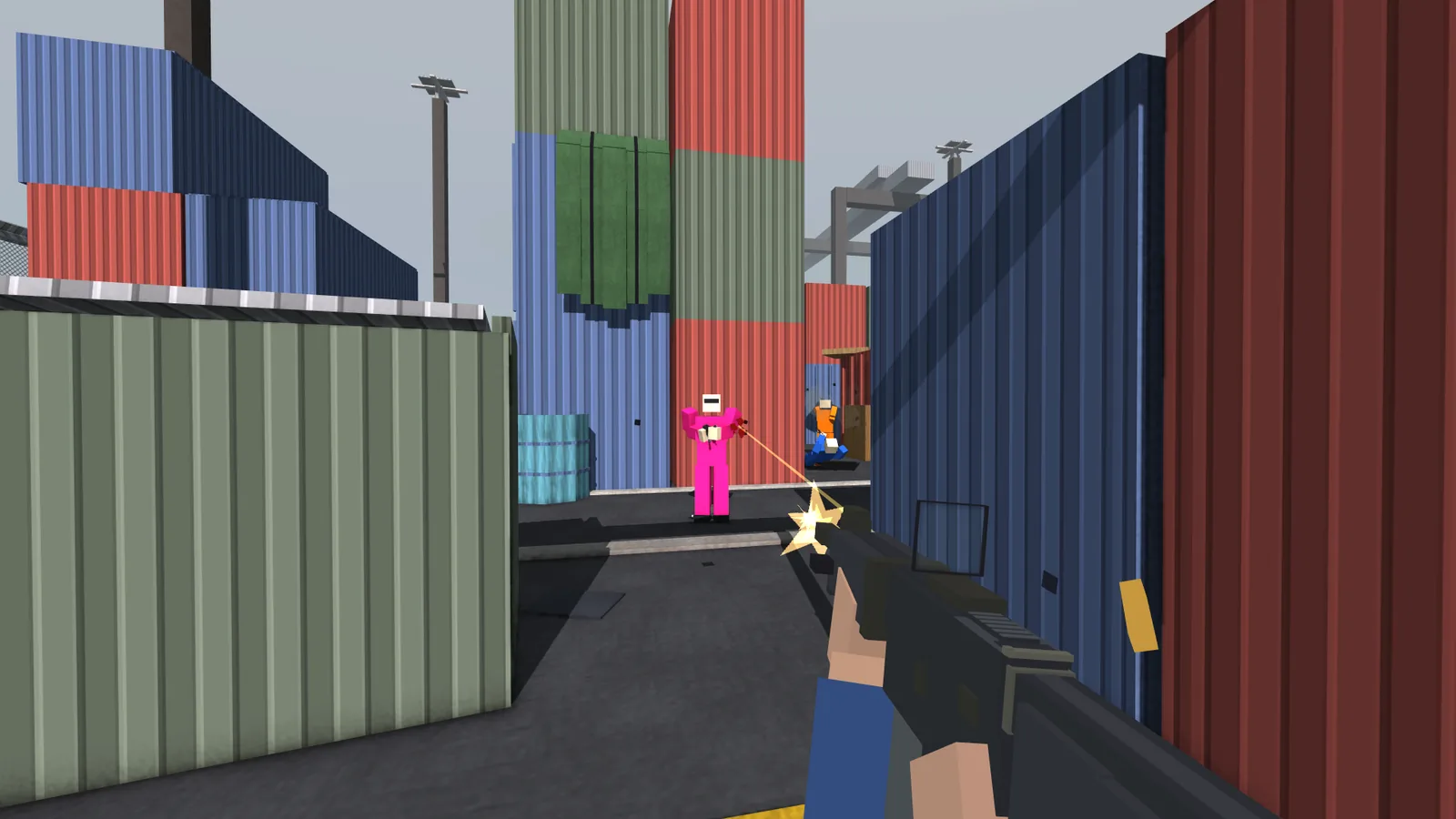
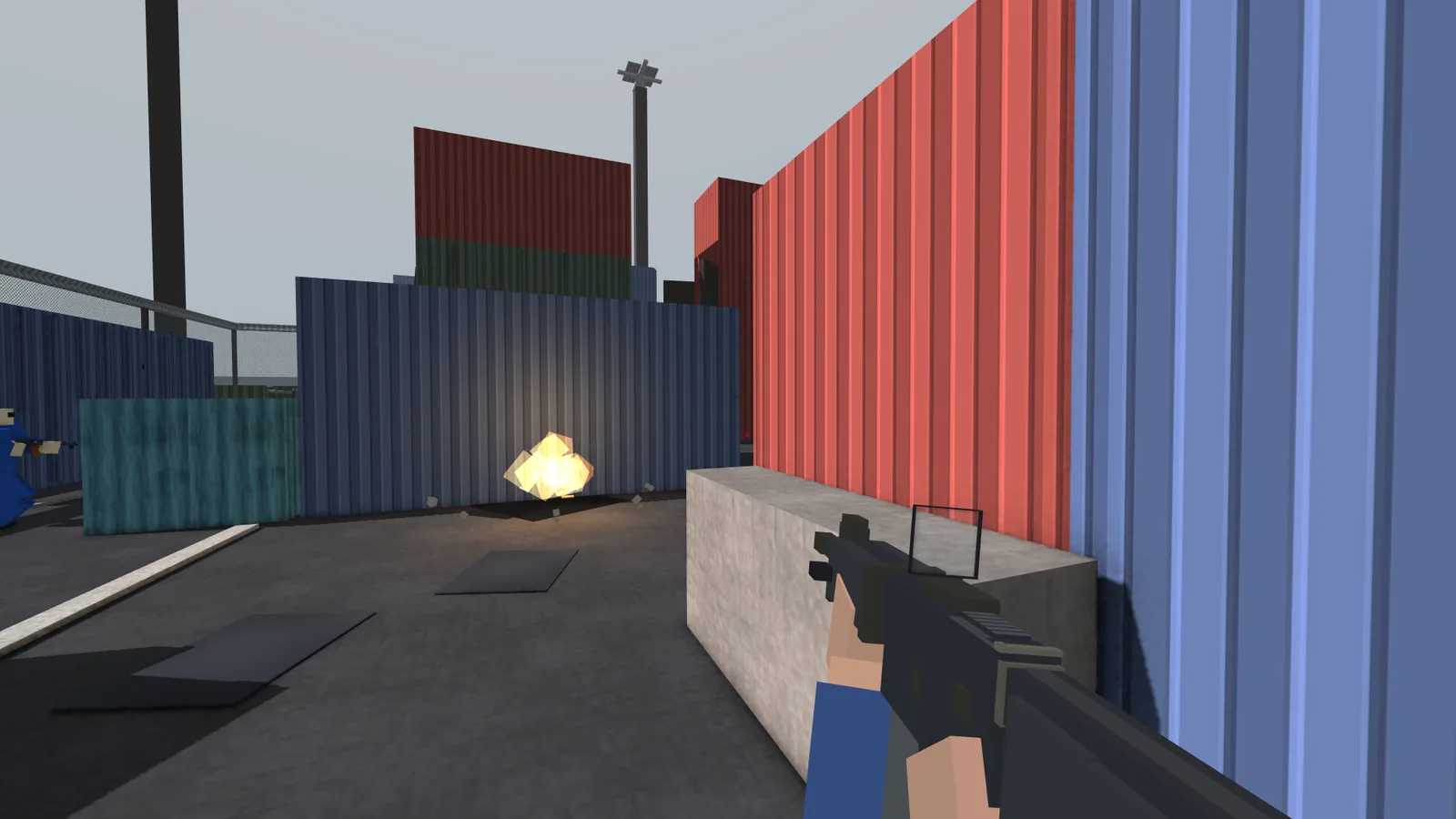
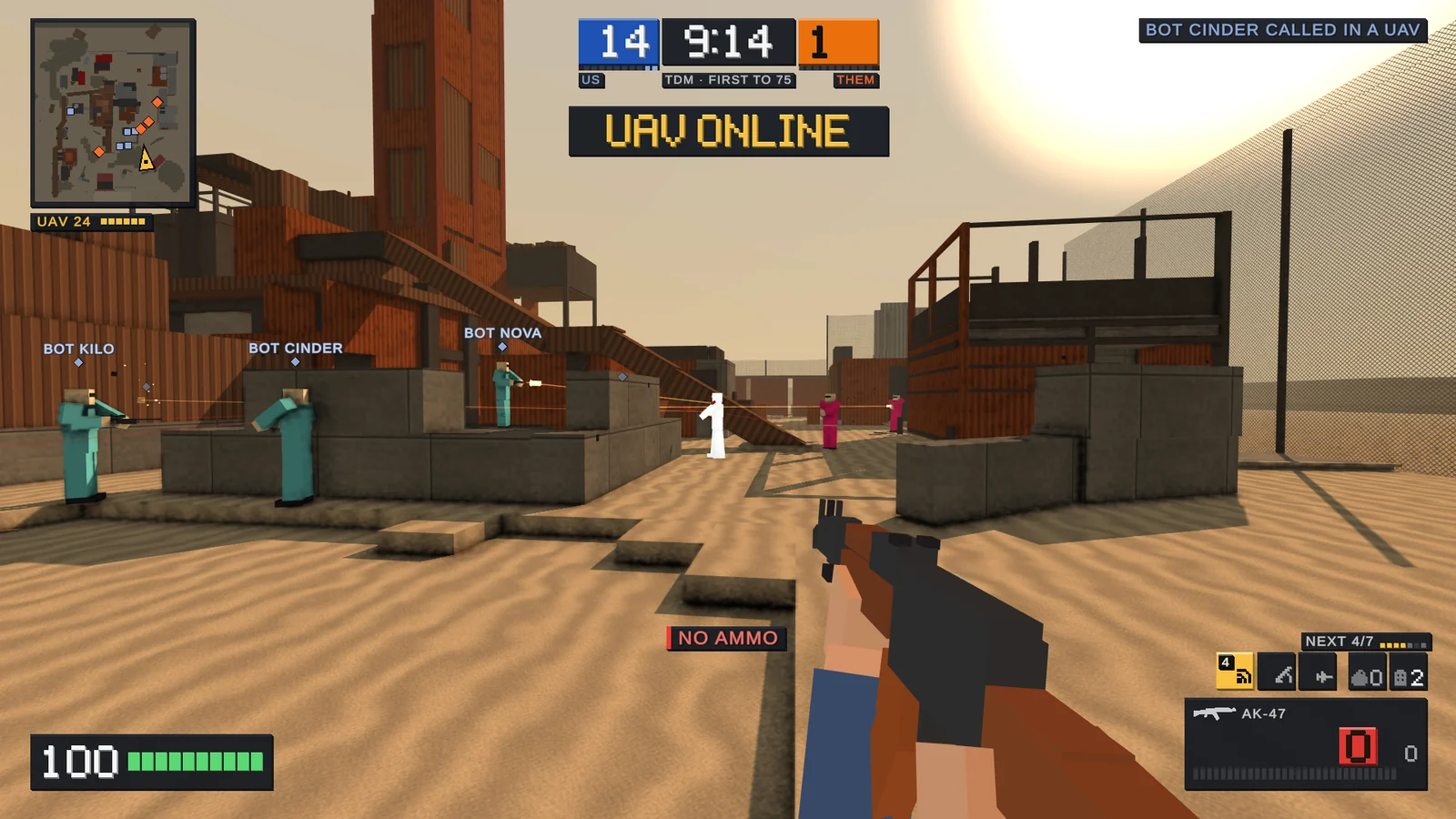
Boxfight is a low-poly FPS on Nuketown, Shipment and Rust, rebuilt in blocks, with a full firing range to warm up in. Play it free in your browser or download it for Windows.
From the game's own start screen
How it plays
Play your way.
Seven classes, each with a main gun, a pistol, two frags and two flashbangs. Bots at Easy, Normal, Hard or Veteran fill every seat a friend doesn’t.
- FFAFree-for-all
Everyone for themselves. First to the kill limit wins.
- TDMTeam deathmatch
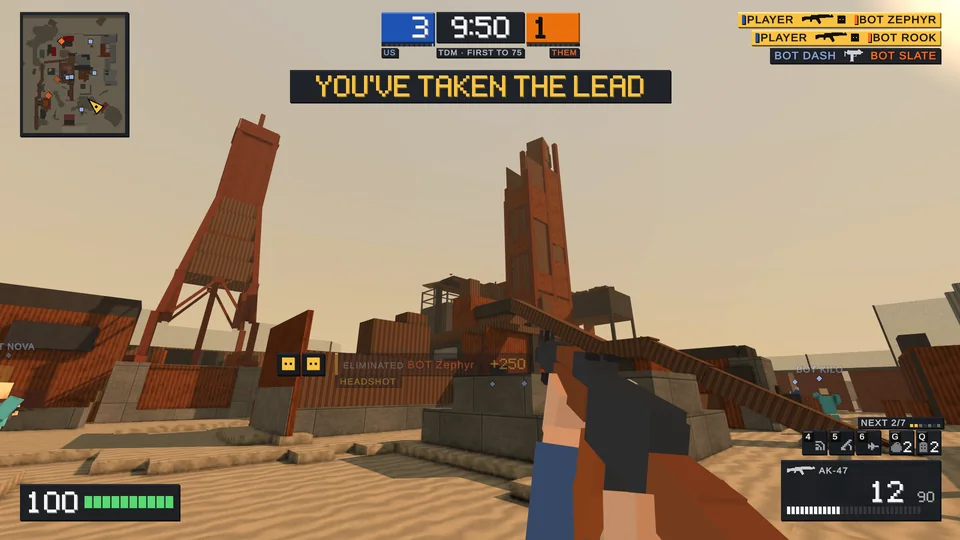
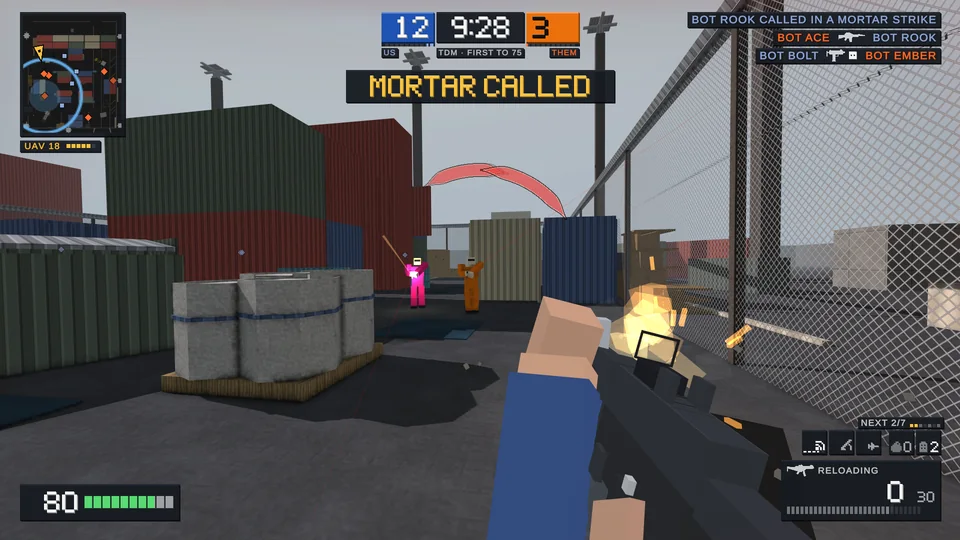
Two teams of six. Cover your team’s routes.
- KCKill confirmed
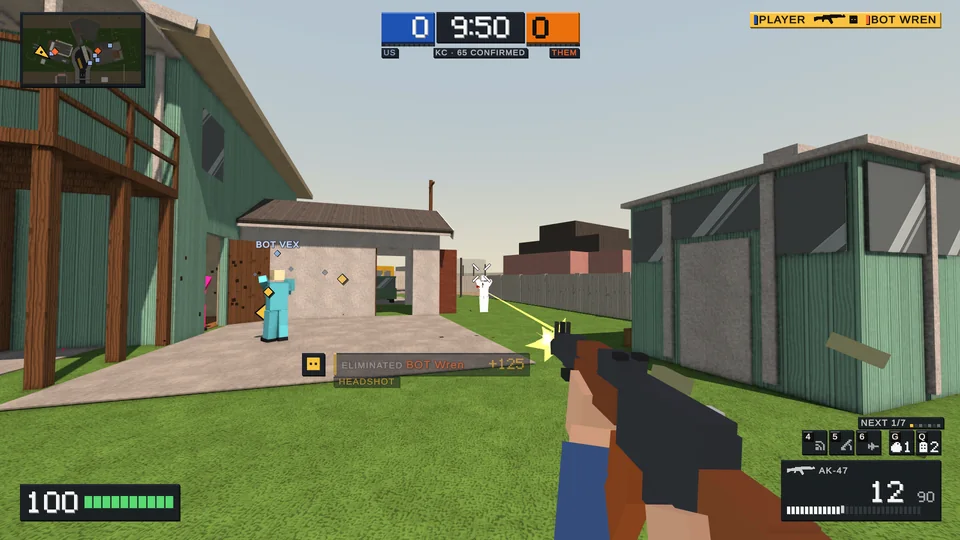
Collect enemy tags to score. First to 65 wins.
- HCHardcore
Thirty health, friendly fire, almost no HUD.
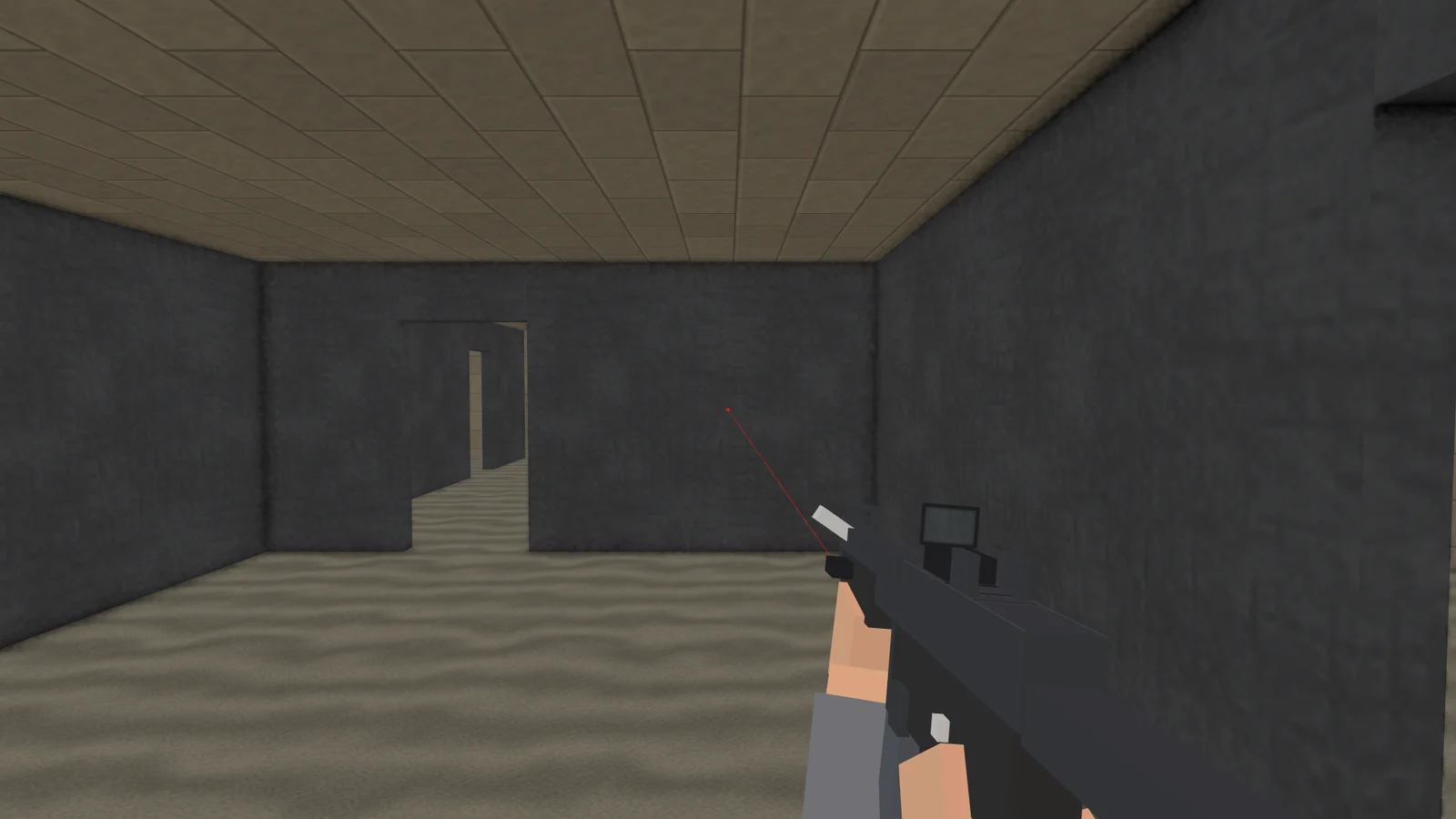
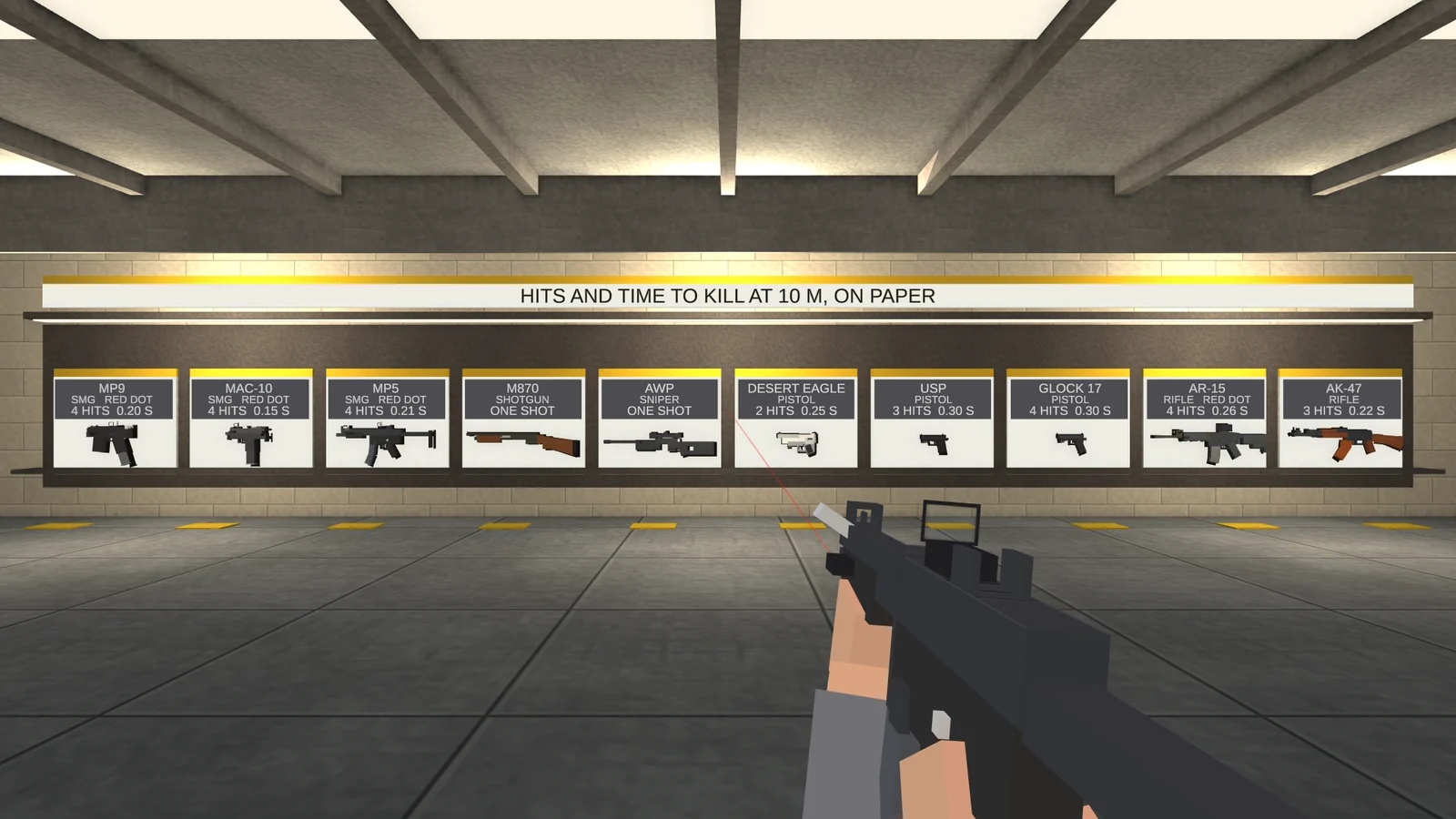
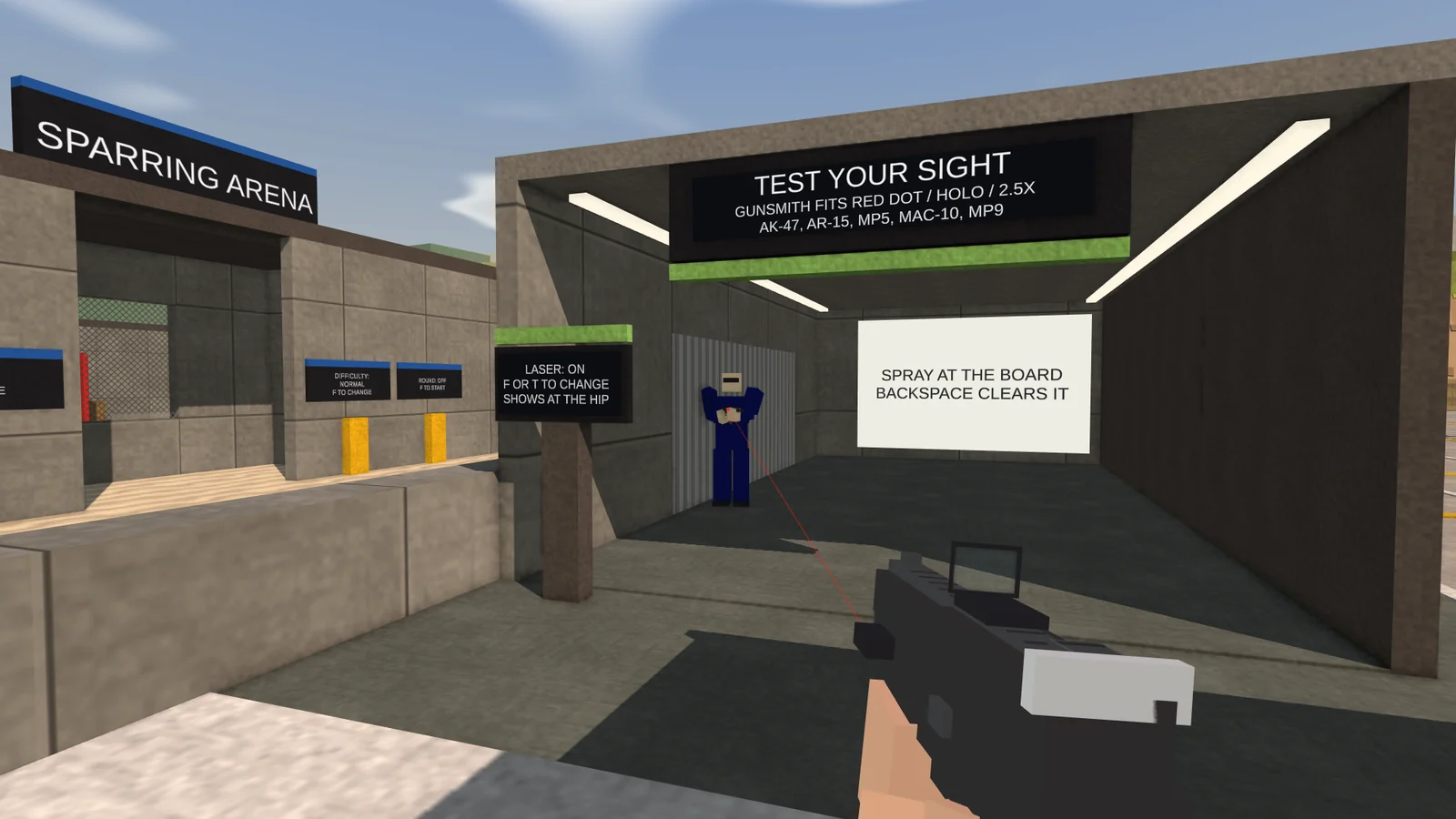
The firing range
Train before you fight.
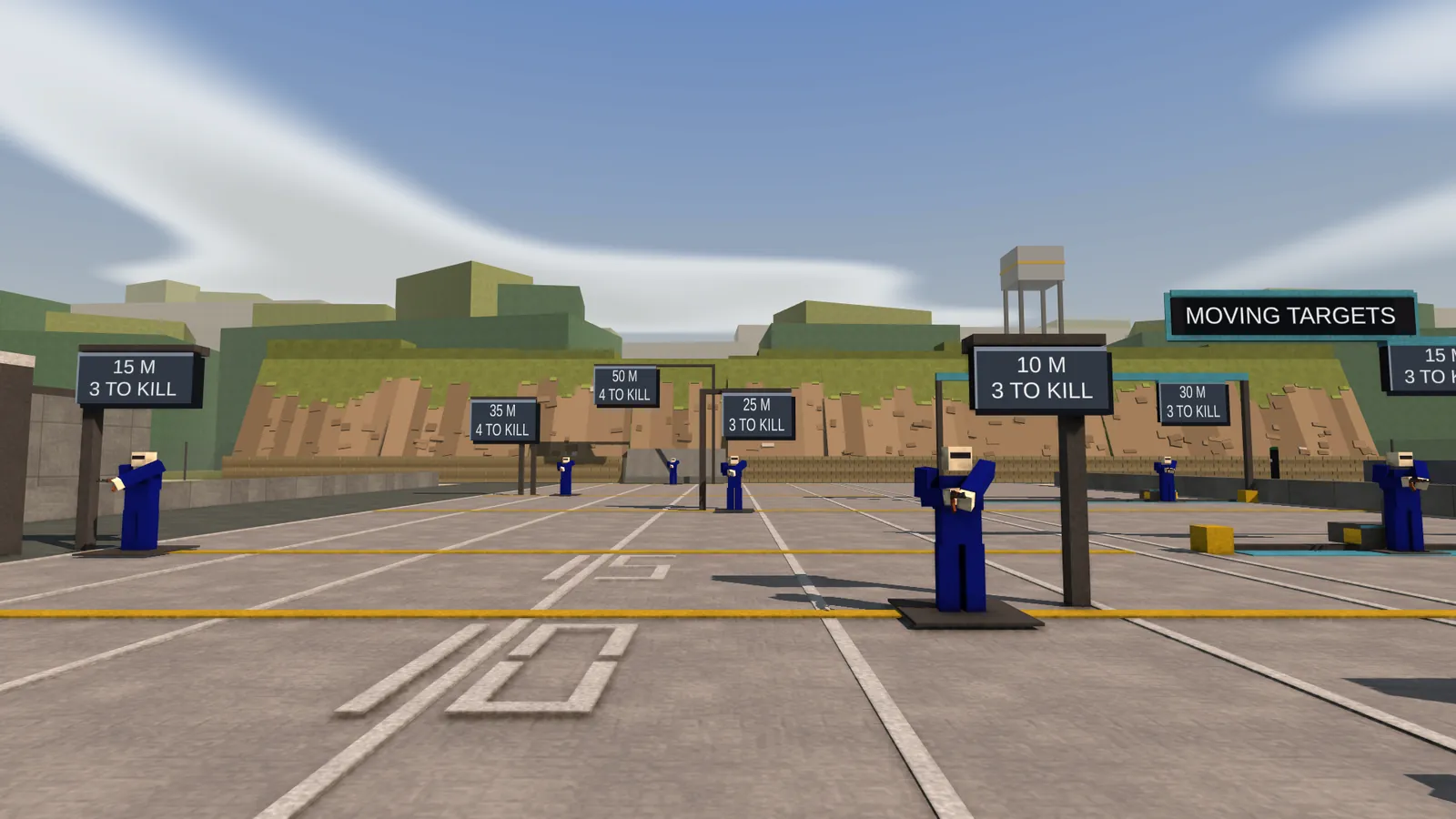
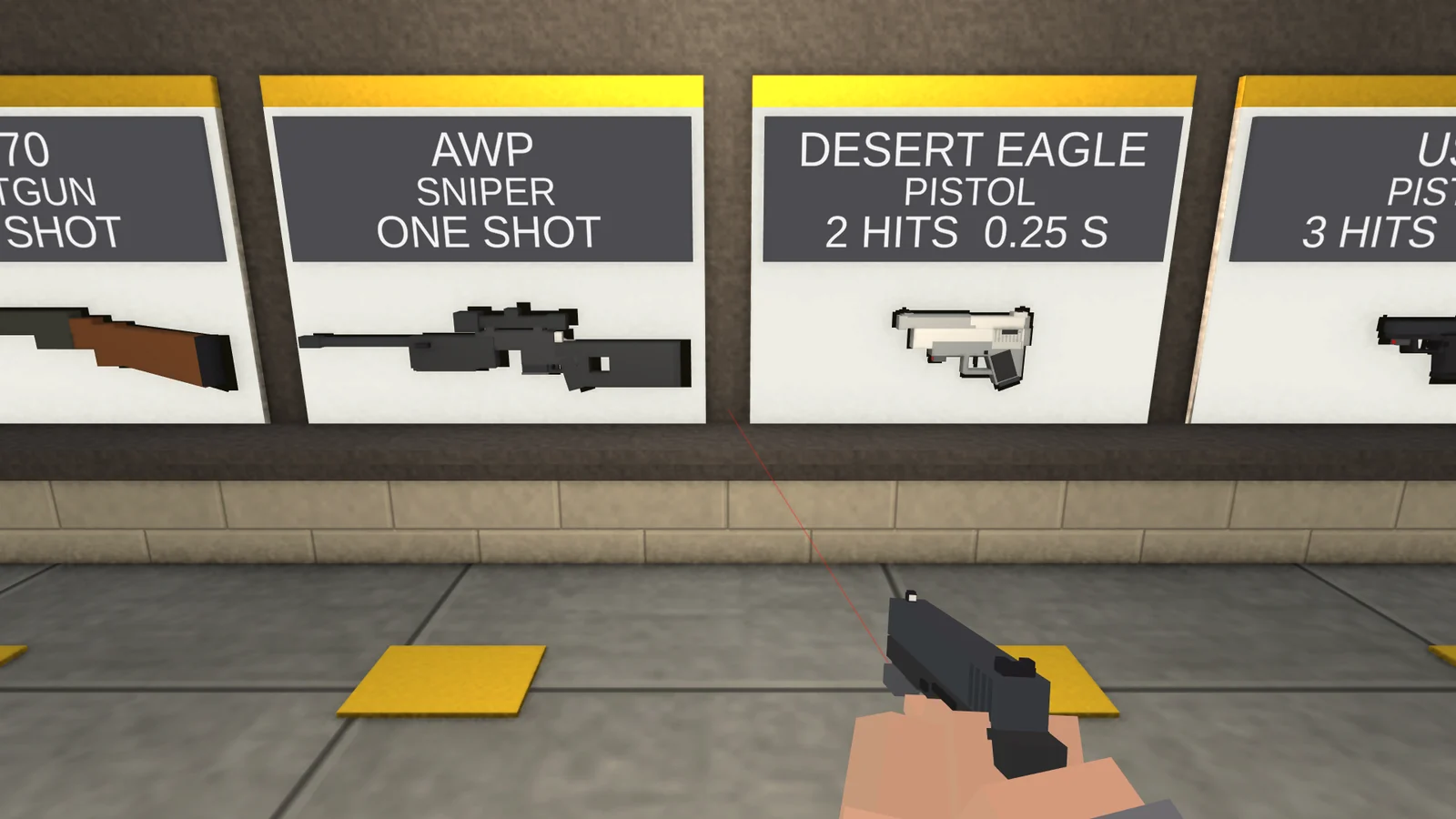
Take any gun off the wall and try it on the lanes.
- Weapon wallTen guns, hits and time to kill.
- LanesTargets from 5 to 50 m.
- Optics laneRed dot, holo and 2.5X sights.
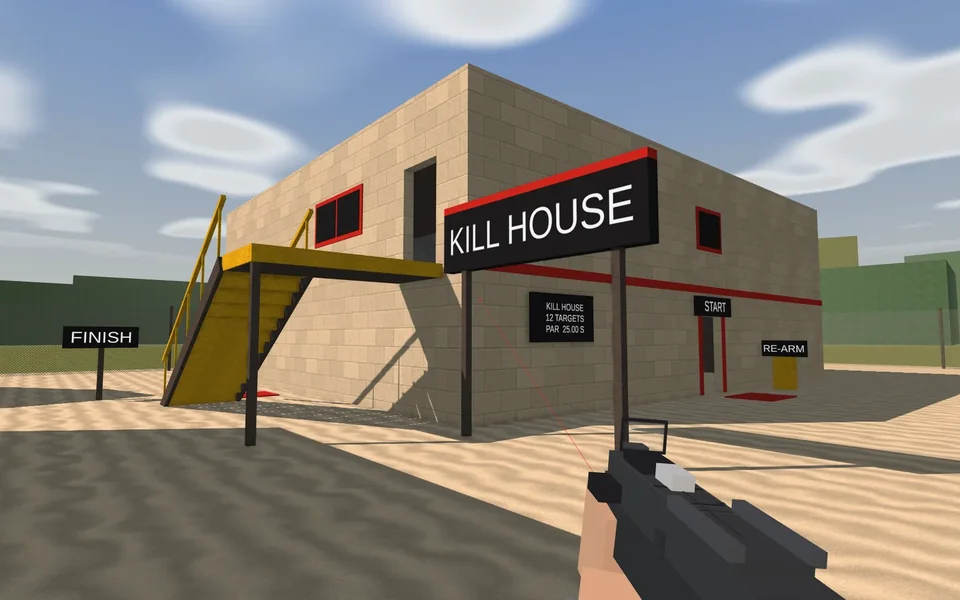
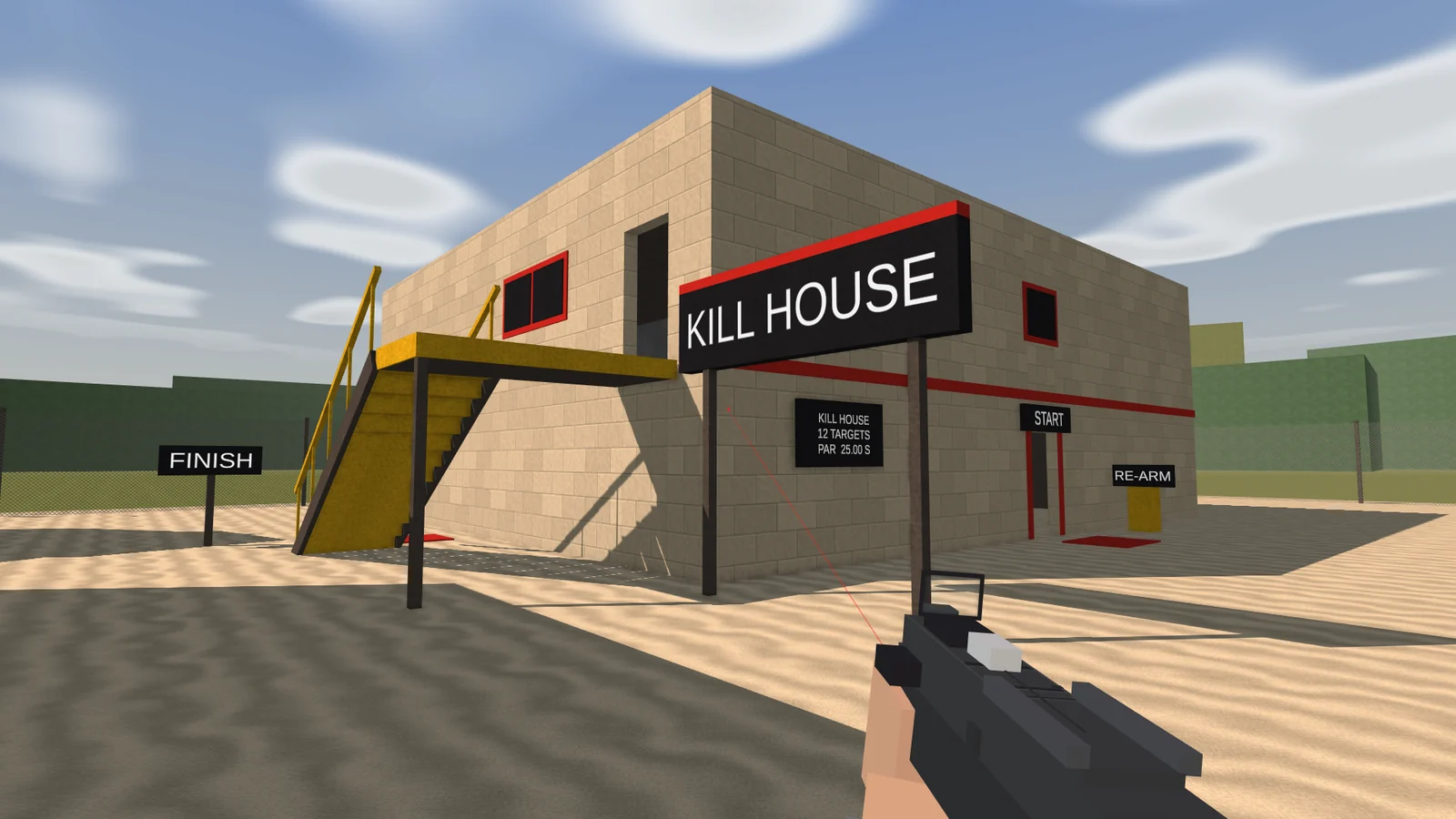
- Kill house12 targets. Par is 25 seconds.
- Movement courseJump, mantle and tunnel.
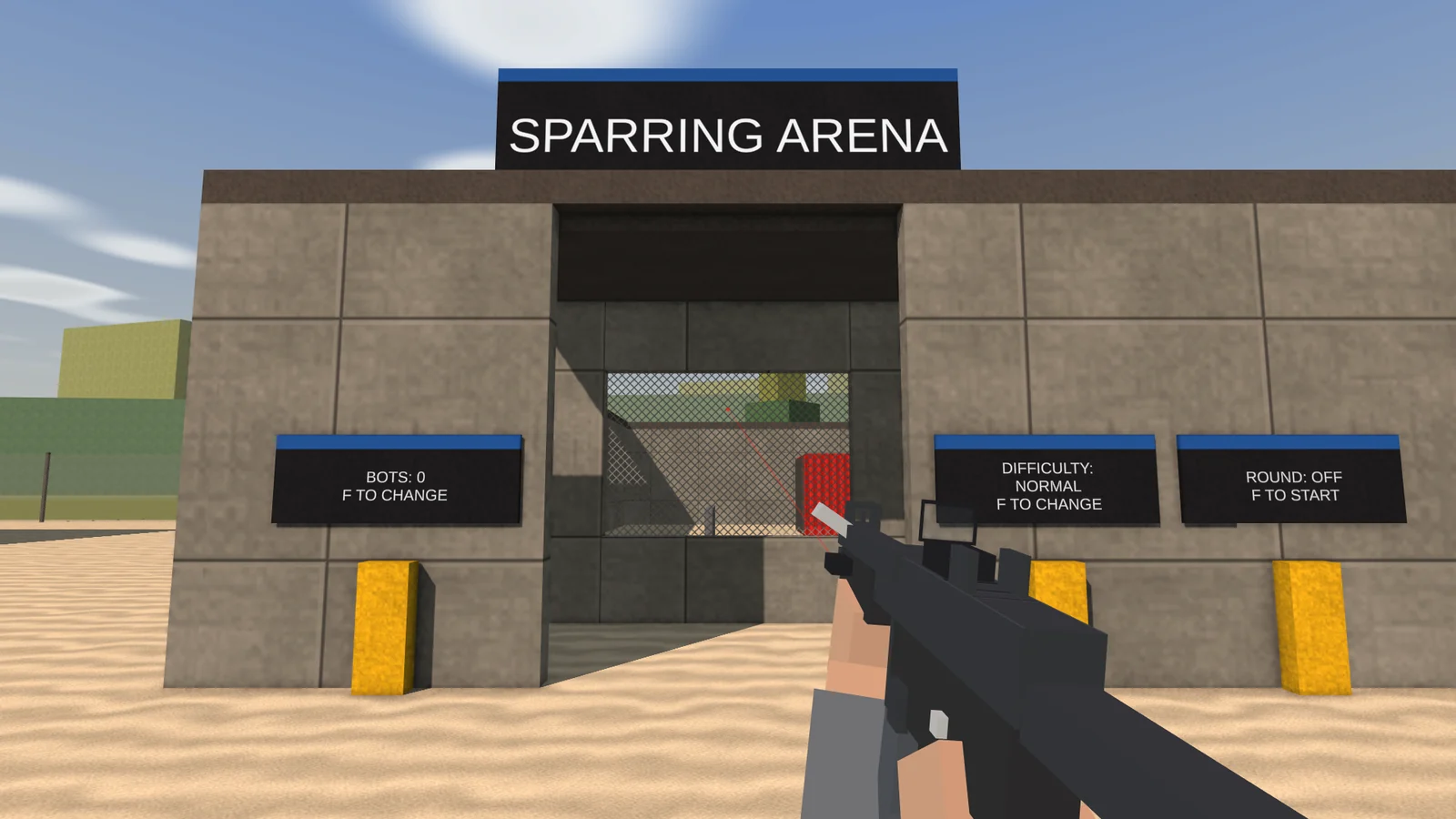
- Sparring arenaBots at the difficulty you pick.
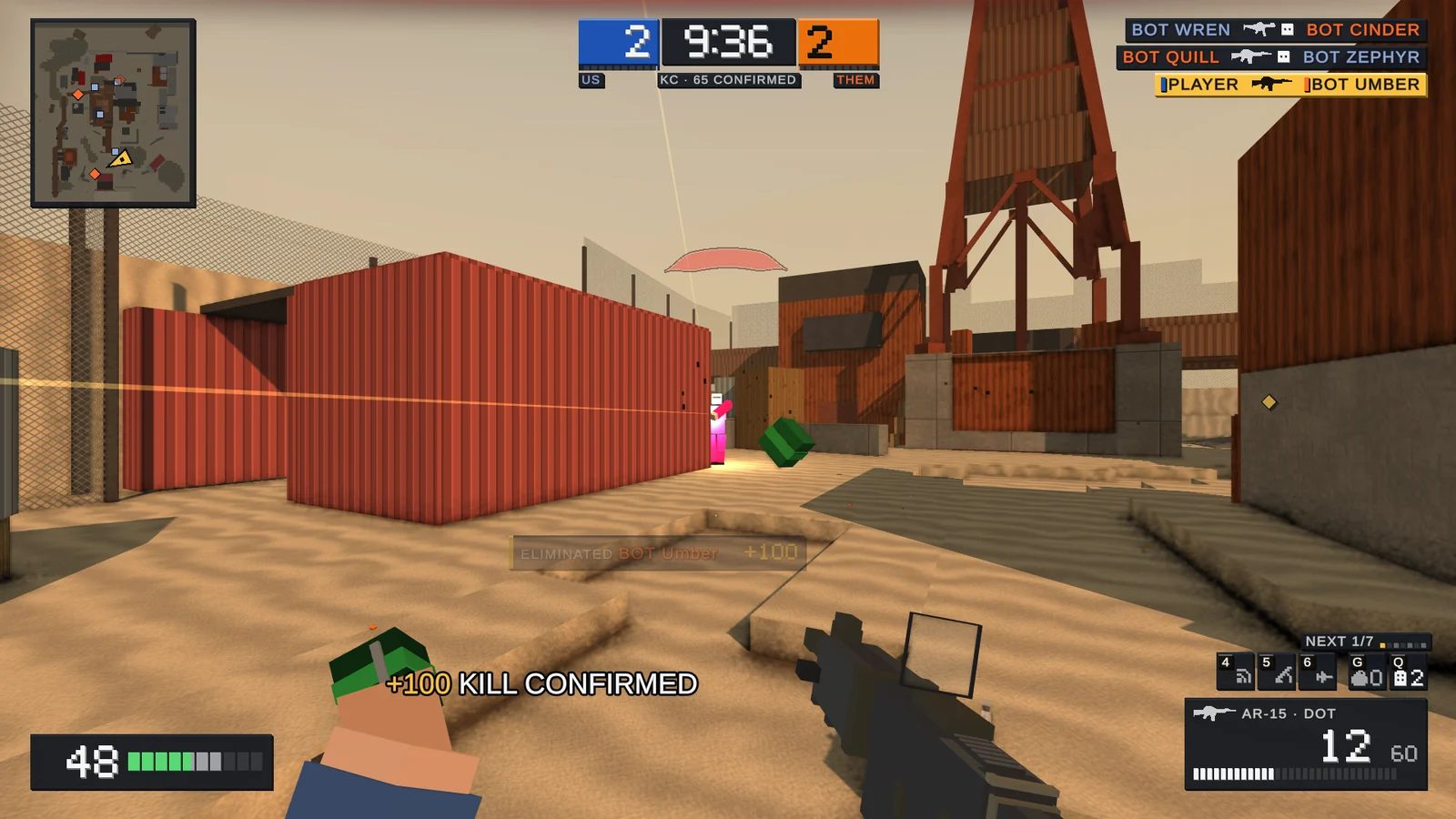
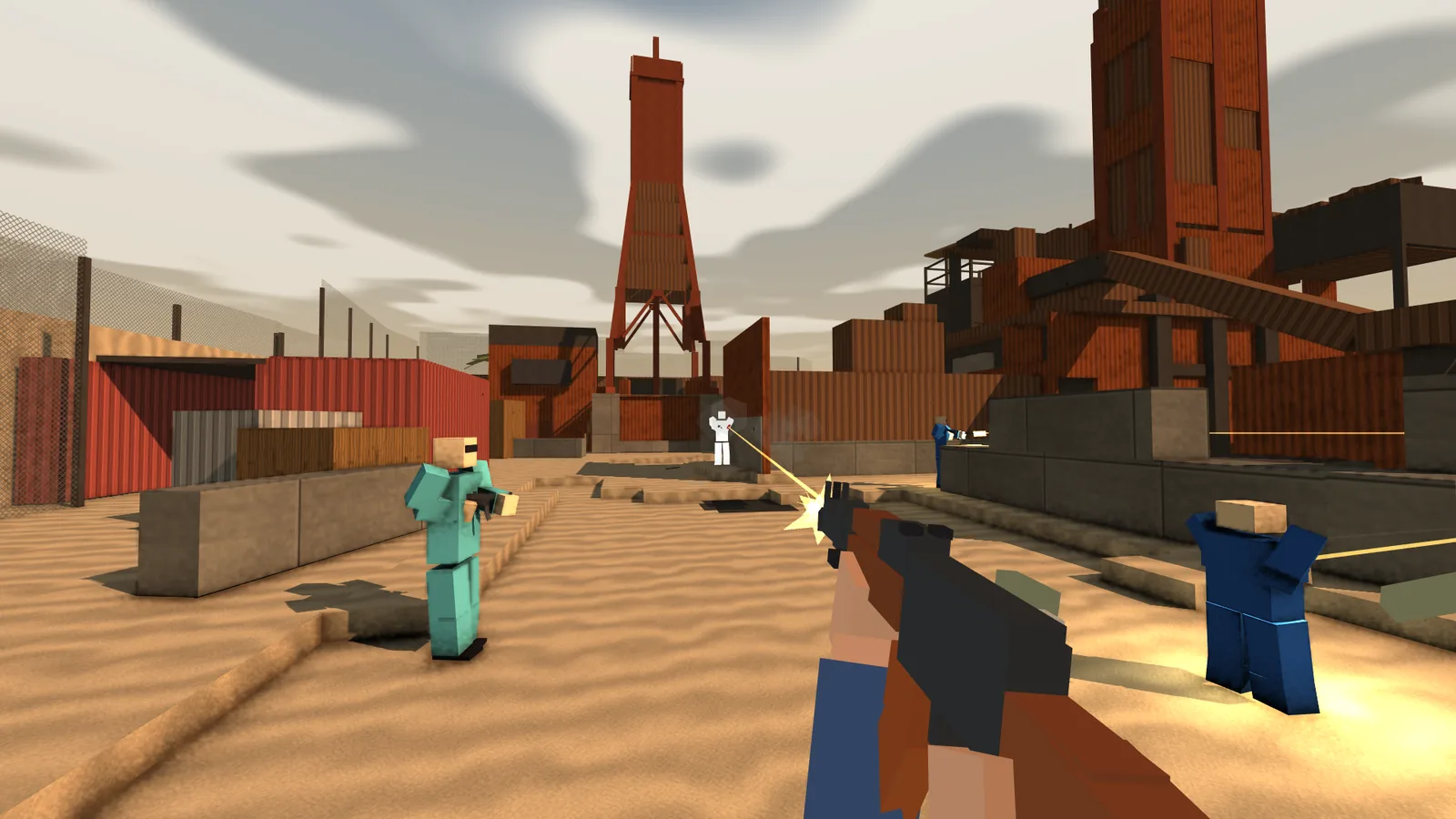
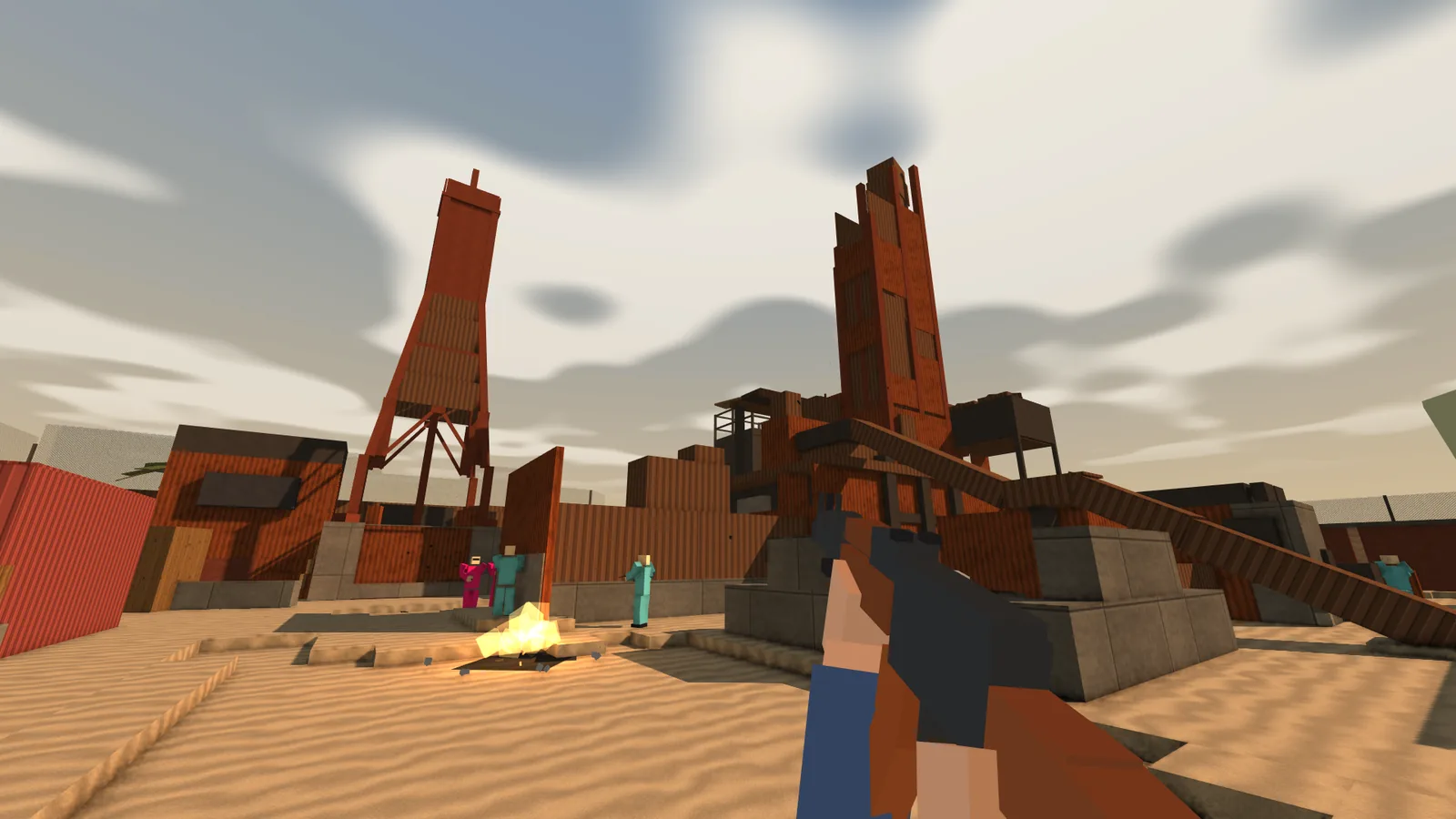
See it in action
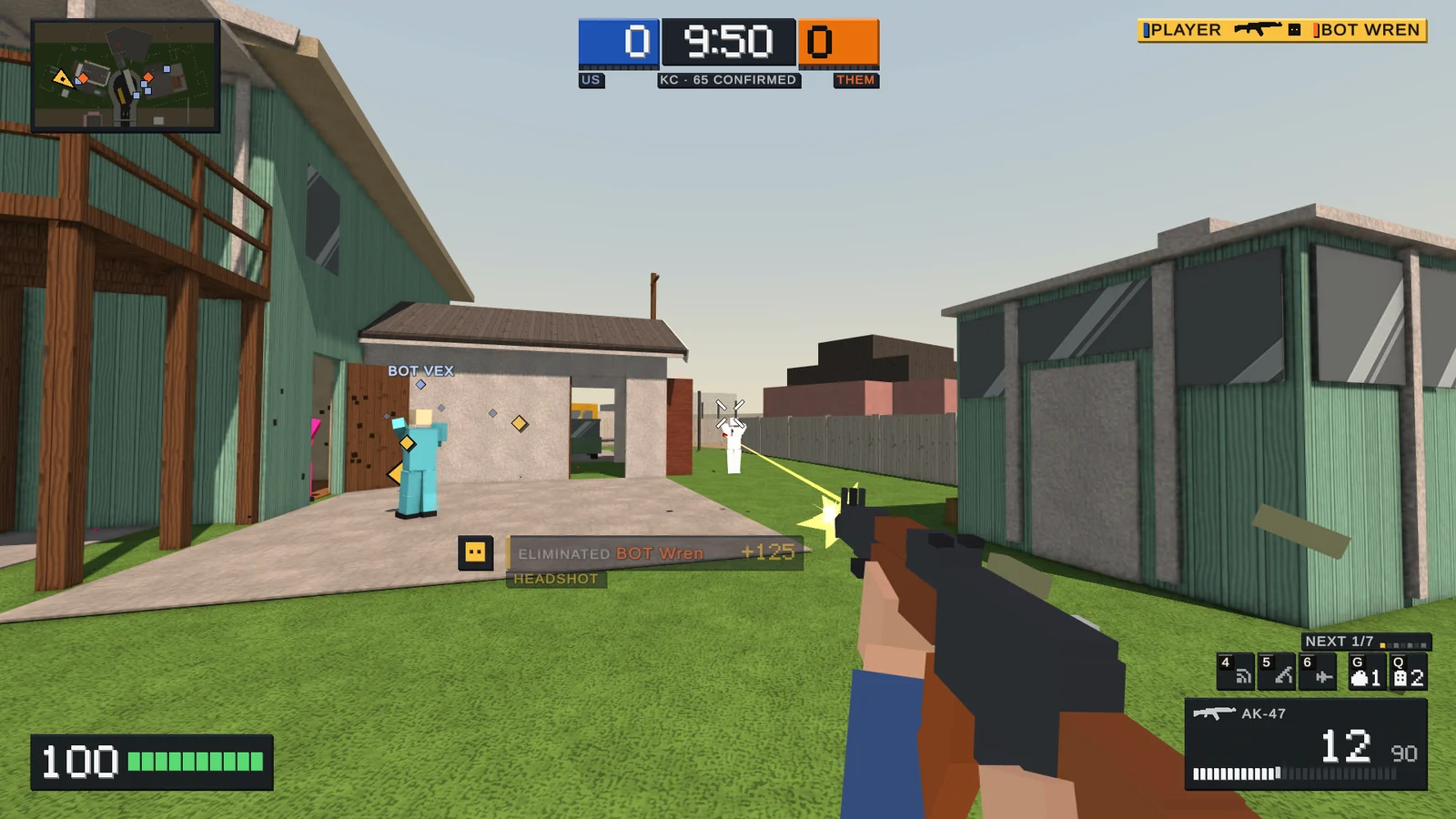
Gallery.
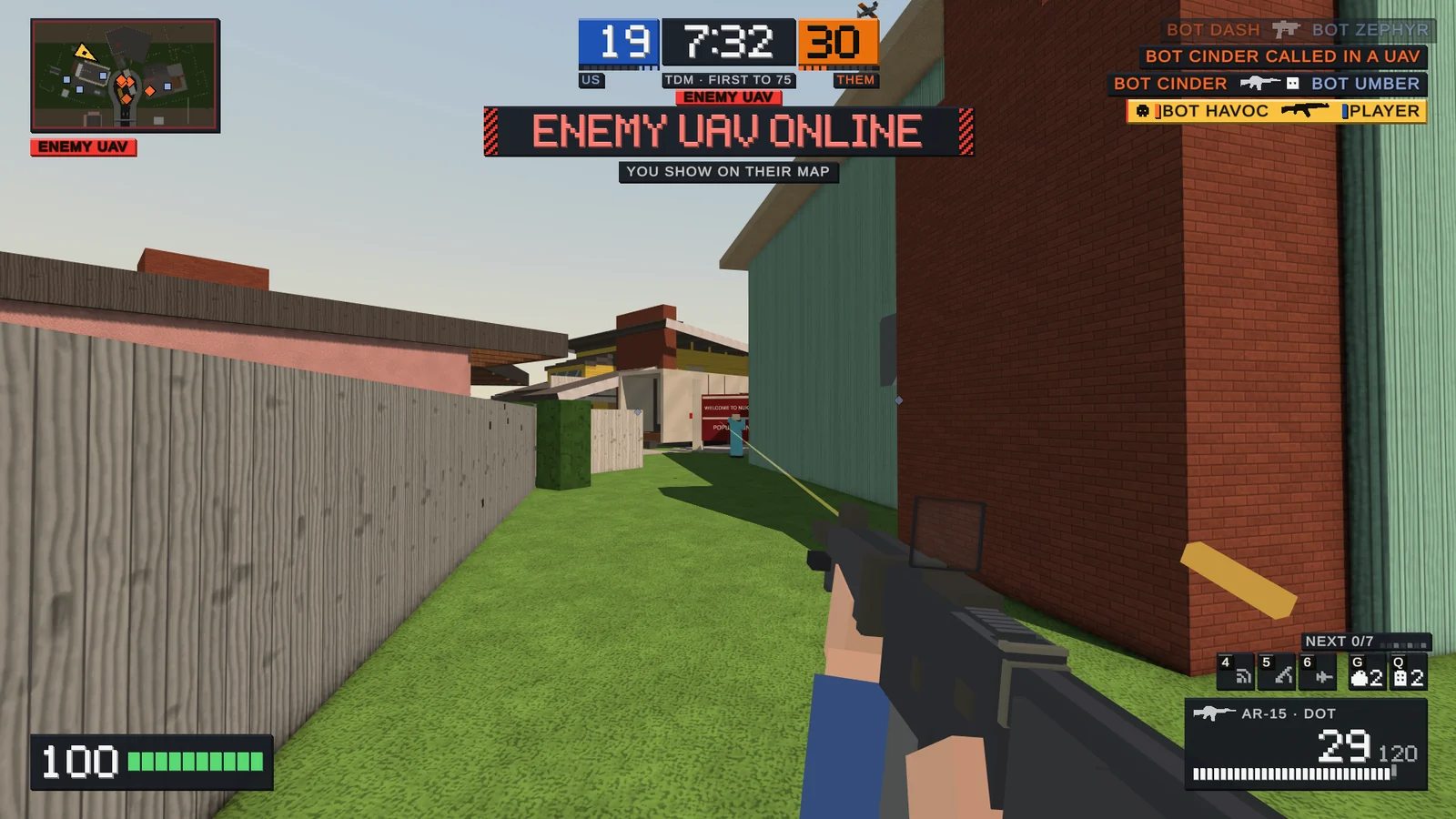
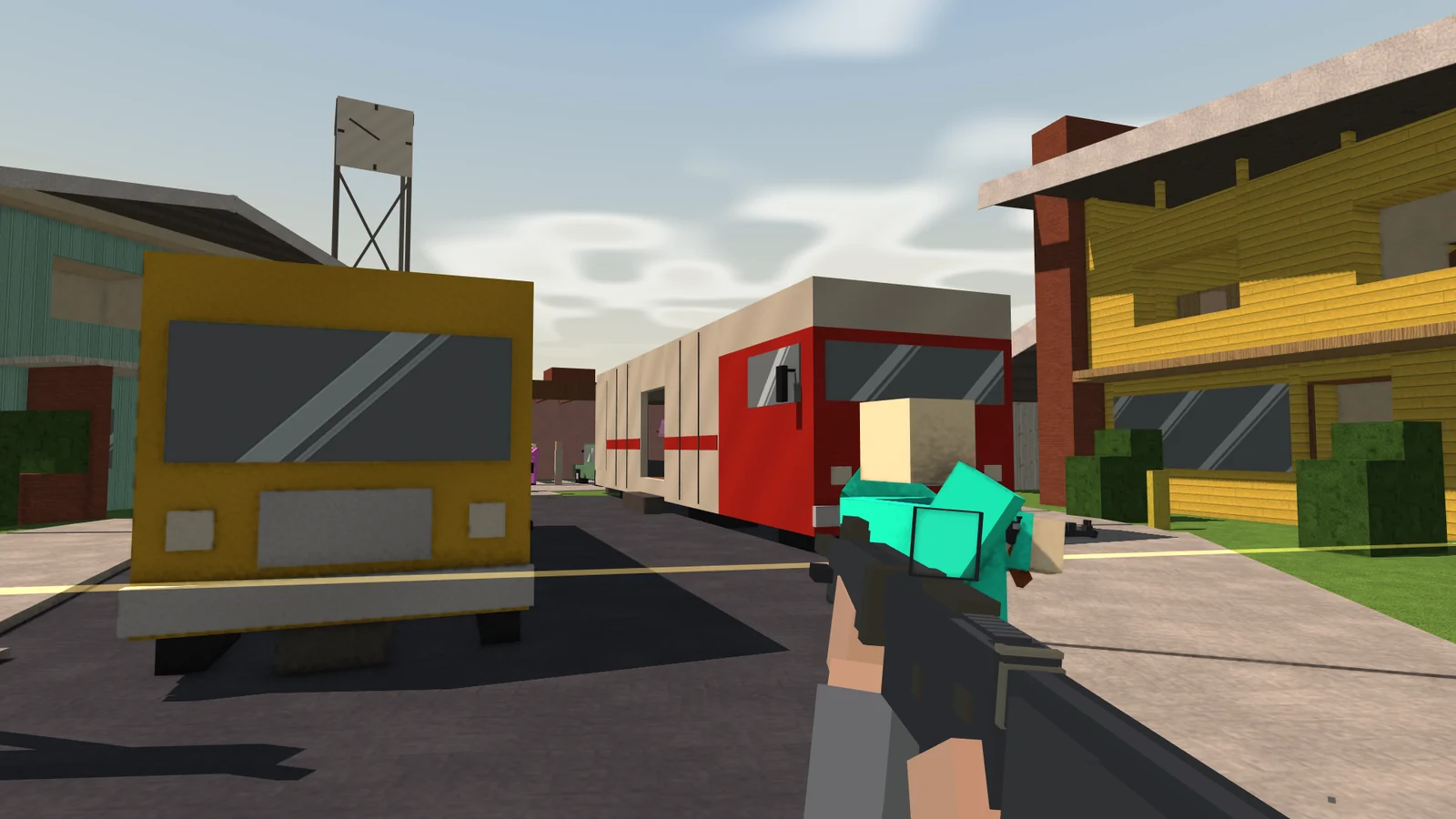
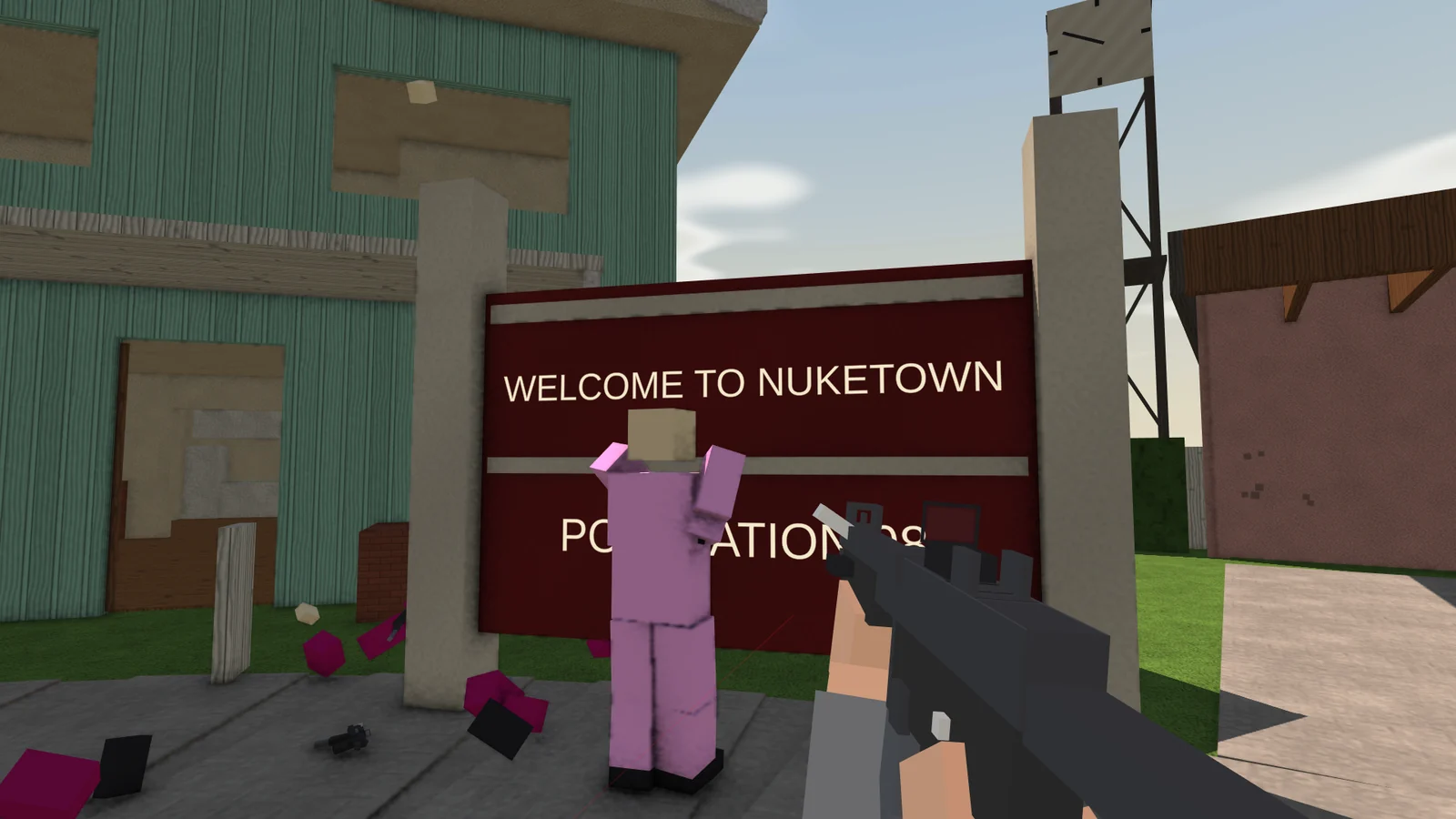
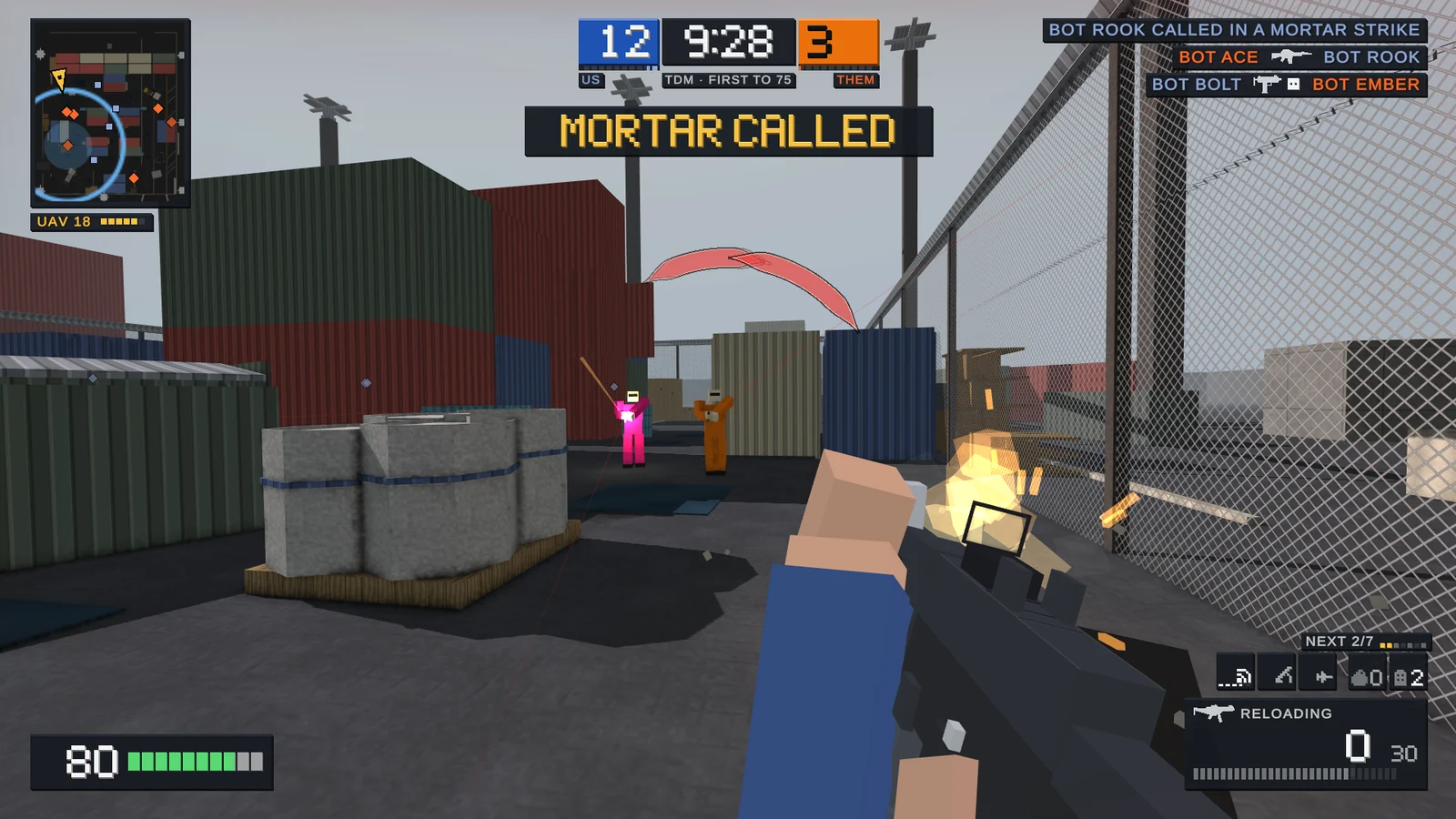
Latest release
Get in the game.
- ExtractRight-click the ZIP and choose Extract All.
- LaunchRun
Boxfight.exeand pick a player name. - PlayWASD to move, right-click to aim, R to reload.
The browser and the download are the same version. 1.1 adds Nuketown, Kill Confirmed, killstreaks, attachments and sights, a final killcam and a rebuilt firing range.
Play with friends
Host your own match.
Host on your Windows PC for you and up to three friends; bots fill the other seats. On the same network, share the LAN address. Anywhere else, forward UDP 7777 with the guide below, and share the address only with your group.
01Host or join a match
- Both players download the same Boxfight version and open
Boxfight.exe. - The host opens Multiplayer, then Open a Lobby, and chooses the map and rules.
- For a friend on the same network, share the LAN address. For a friend elsewhere, complete the Windows Firewall and router port forwarding sections below, then share the Internet address privately. It stays hidden until you select Show, and both addresses have a Copy button in the lobby.
- The friend opens Multiplayer, then Join a Lobby, types the host's IPv4 address under Address, and selects Join. Use the address by itself for the default port, or
address:7777. Do not addhttp://. - The friend picks a class and selects Ready Up. The host selects Start Match and keeps the game running while everyone plays.
Only the host needs router port forwarding. If you are both on the same home network, skip the router port forwarding section.
02Allow Boxfight through Windows Firewall
Do this on the host PC. If Windows shows a firewall prompt when you host, allow the downloaded Boxfight app on your trusted home network. To add it manually:
- Open Windows Security from Start, then select Firewall & network protection.
- Choose Allow an app through firewall, then Change settings. Approve the administrator prompt.
- Select Allow another app and browse to
Boxfight.exeinside the extracted Boxfight folder. Add that file. - Enable the checkbox for your active network profile and save with OK. For a trusted home network marked Private, enable Private. Check the active profile on the Firewall & network protection screen.
Public here means Windows' network profile, not where your friend lives. An internet match can use a Private-profile rule on your home connection. Keep Windows Firewall on.
If an update moves the game to a different folder, add the new executable path. Microsoft's firewall instructions
03Forward the port on your router
The host does this when friends join from another network. Router menus vary by model.
- Find the host PC's local IPv4 address. On the host, open Command Prompt, run
ipconfig, and look under the connected Wi-Fi or Ethernet adapter. Note IPv4 Address and Default Gateway. About this command - Open the Default Gateway address in your browser, or use your router's app, and sign in with its administrator login.
- Find Port Forwarding, sometimes called Virtual Servers or NAT Forwarding. Add this rule:
| Name | Boxfight |
|---|---|
| Protocol | UDP |
| External / WAN port | 7777 |
| Internal / LAN port | 7777 |
| Device / internal IP | The host PC's local IPv4 address |
| Status | Enabled |
For start/end port fields, enter 7777 in both. Save the rule. Reserve the PC's address in the router's DHCP/address reservation settings so it stays consistent.
Start hosting, then have your friend join the Internet address from a different network.
The local address identifies your PC inside your home; the public address identifies your internet connection. Example router screens from TP-Link
04If your friend cannot connect
- Check that both players have the same version, the host is running, and the friend used the right address.
- Recheck UDP 7777, the host PC's current local address, and the firewall entry for the executable you actually launched.
- The Internet line is an address lookup, not a connection test. If it shows no address, check your router's Internet/WAN status for its public IPv4 address. Restart Boxfight after changing networks or a VPN. If LAN looks wrong, use the connected adapter's IPv4 address from
ipconfig. - If the router itself has a private WAN address, another router or your internet provider may be doing address translation. Port forwarding on this router alone will not be enough. Ask your provider whether you have CGNAT and whether it can provide a public IPv4 address.
Test with a friend outside your home network. On your own network, use the LAN address. Share your public address only with the people you intend to play with, and remove the forwarding rule when you no longer host.